
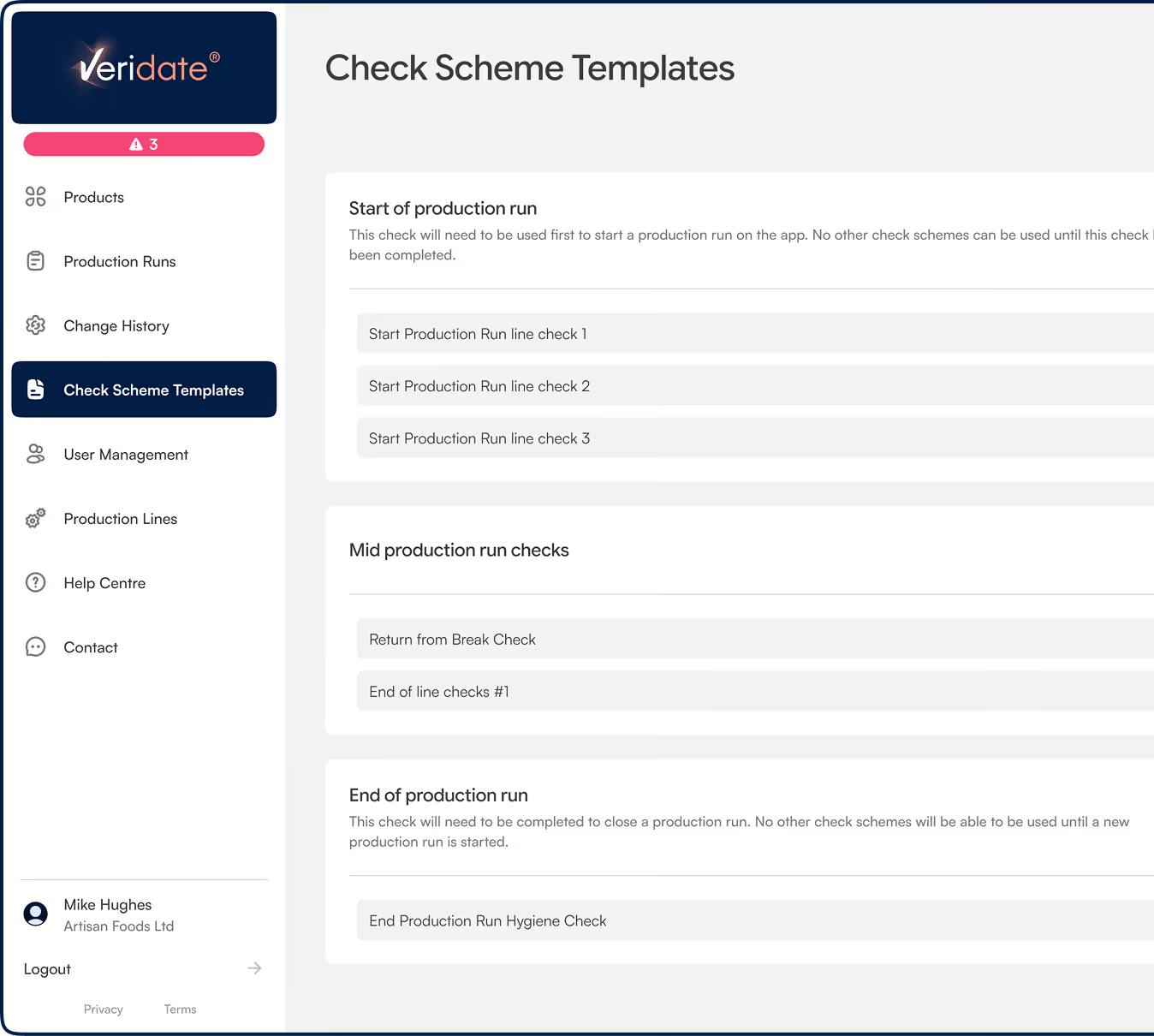
Fully customisable QA check schemes, for every business.
Digital system compliance for M&S suppliers
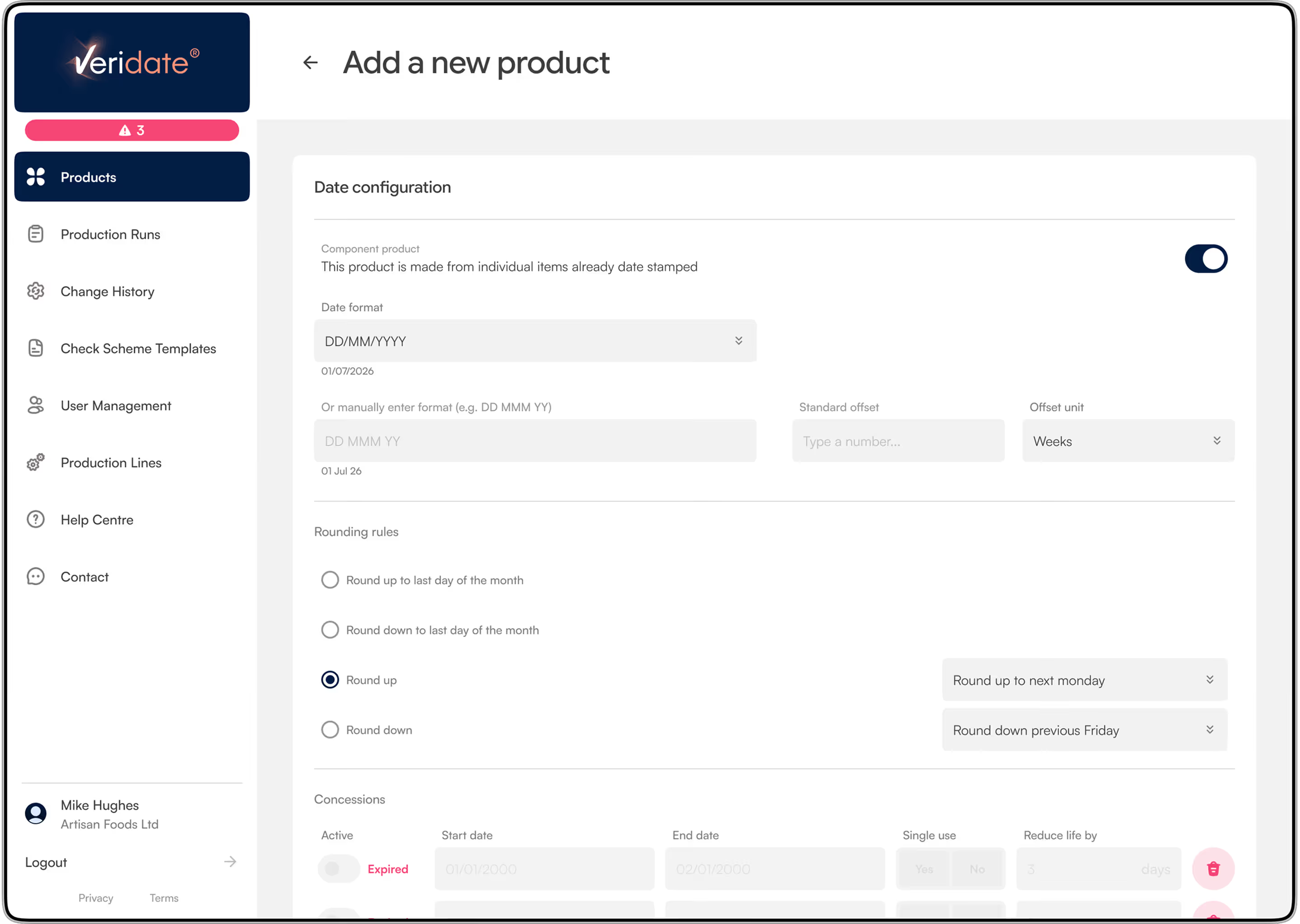
Automatic date code calculation
- Assign product life with easy-to-use data code configuration rules.
- Specify the exact format for the printed date code
- Allows you to define the start and end times of the working day
- Seamless insertion of avoidance dates and associated date coding logic
- Removes the need for paper-based date coding rules book
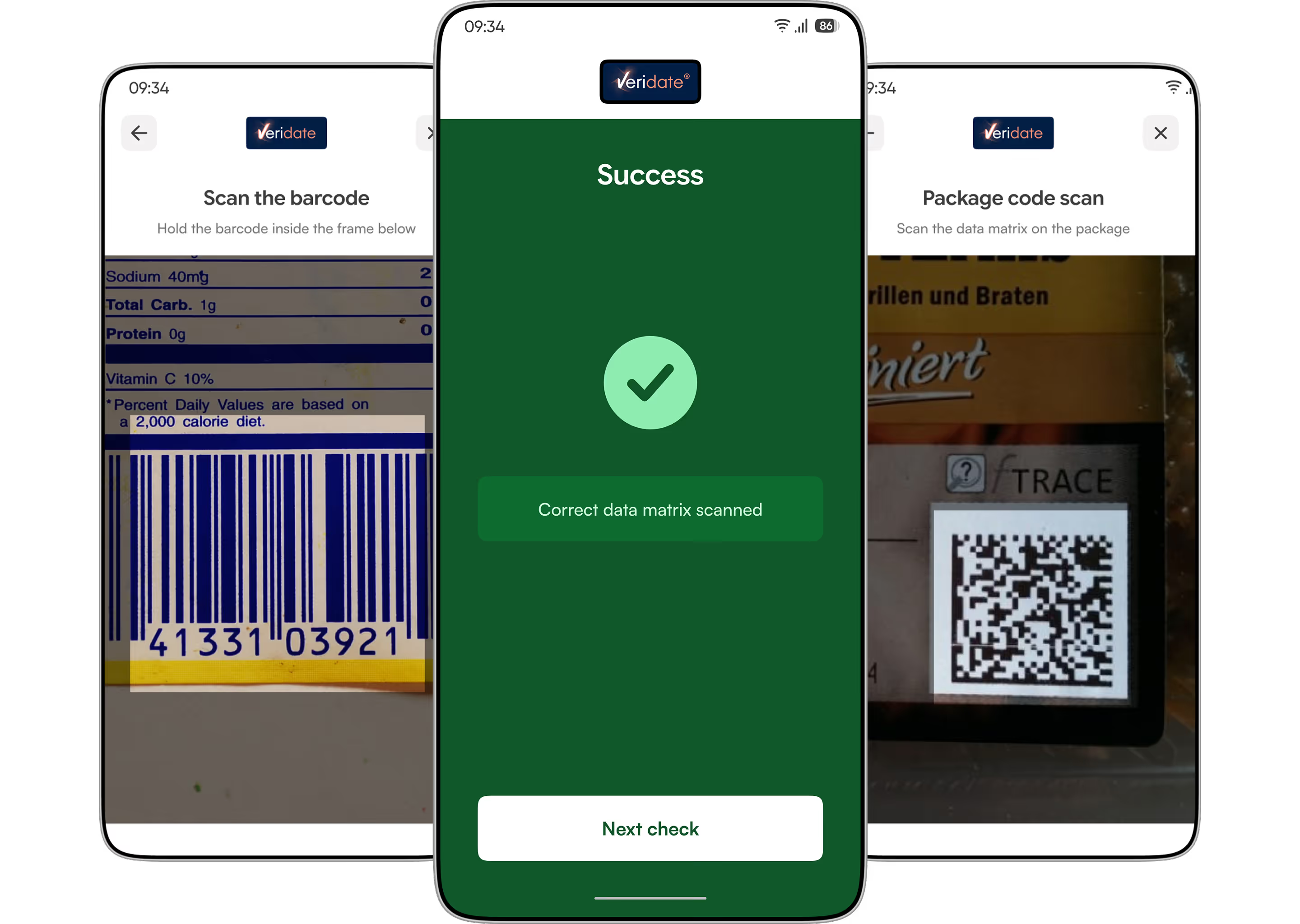
Scan and Verify 1D and 2D packaging barcodes
- Assign unique barcodes for each product’s packaging
- Define frequency of barcode checks
- Determine corrective action to take in event of failed checks
Advanced OCR checks of the printed date code
- The App uses a powerful and unique method for OCR checking the printed date code against the calculated date code
- The OCR check is fast and the operator can position the reading window to auto-focus specifically on the are containing the printed date code
- The App matches and reports a successful check
- For codes that cannot be checked the operator can complete the printed date code check manually using the App
- All check results are recorded in the audit log

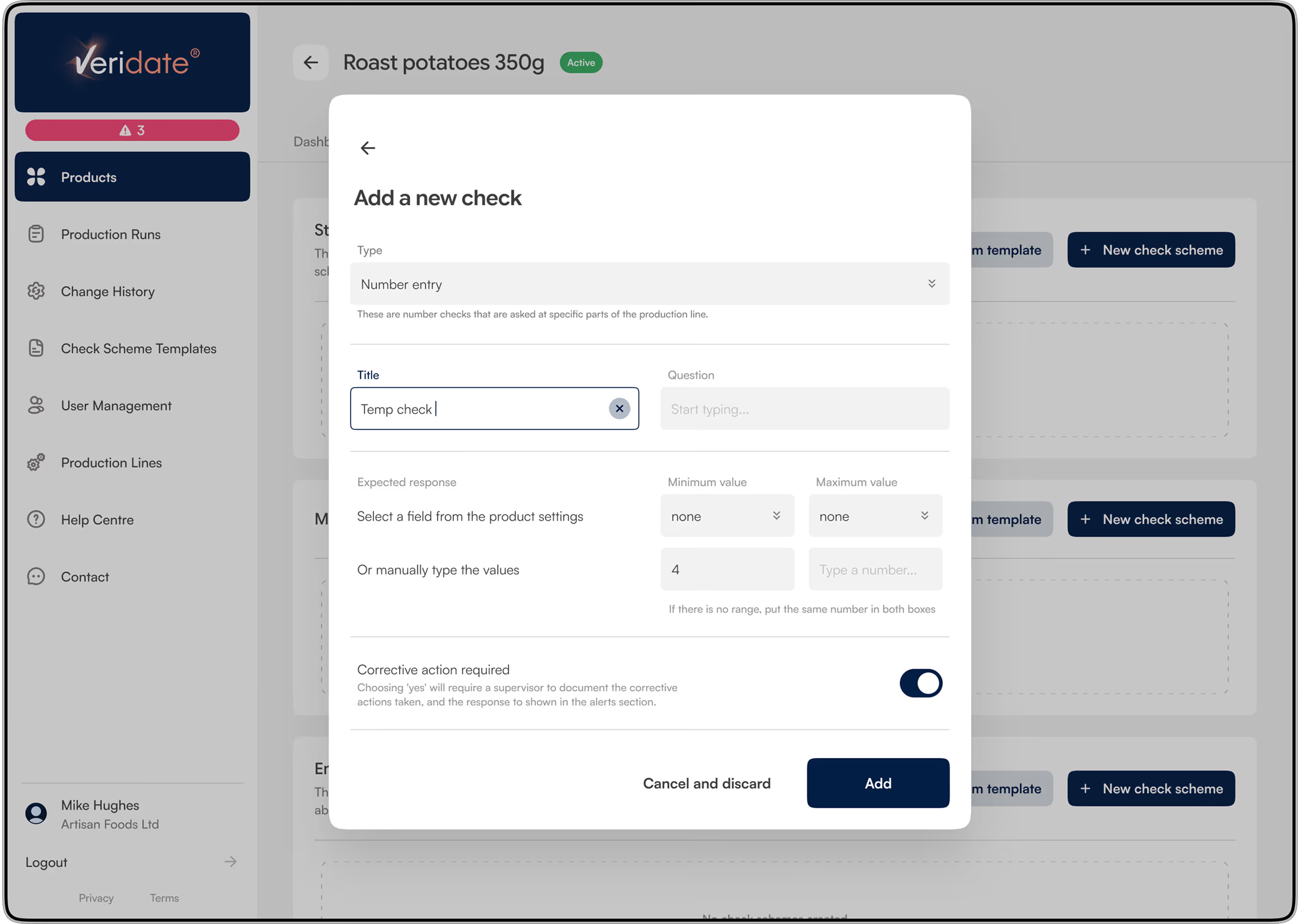
Paperless capture of packaging checks
- A variety of packaging checks can be sequenced for mandatory use at job-start, mid-job and end-of- job.
- The checks are prompted to the operator via the App
- Each check screen is designed to guide the operator complete the required actions.
- All results and any required corrective actions are always captured
- Checks can include taking general photo images and adding to a unique check sequence for a product as desired
Seamless Audit log
- All checks are automatically captured within the audit log for ease of reporting and compliance reporting
- Data is securely stored within the InspectionWorx cloud and accessible from anywhere.

Ease of Use
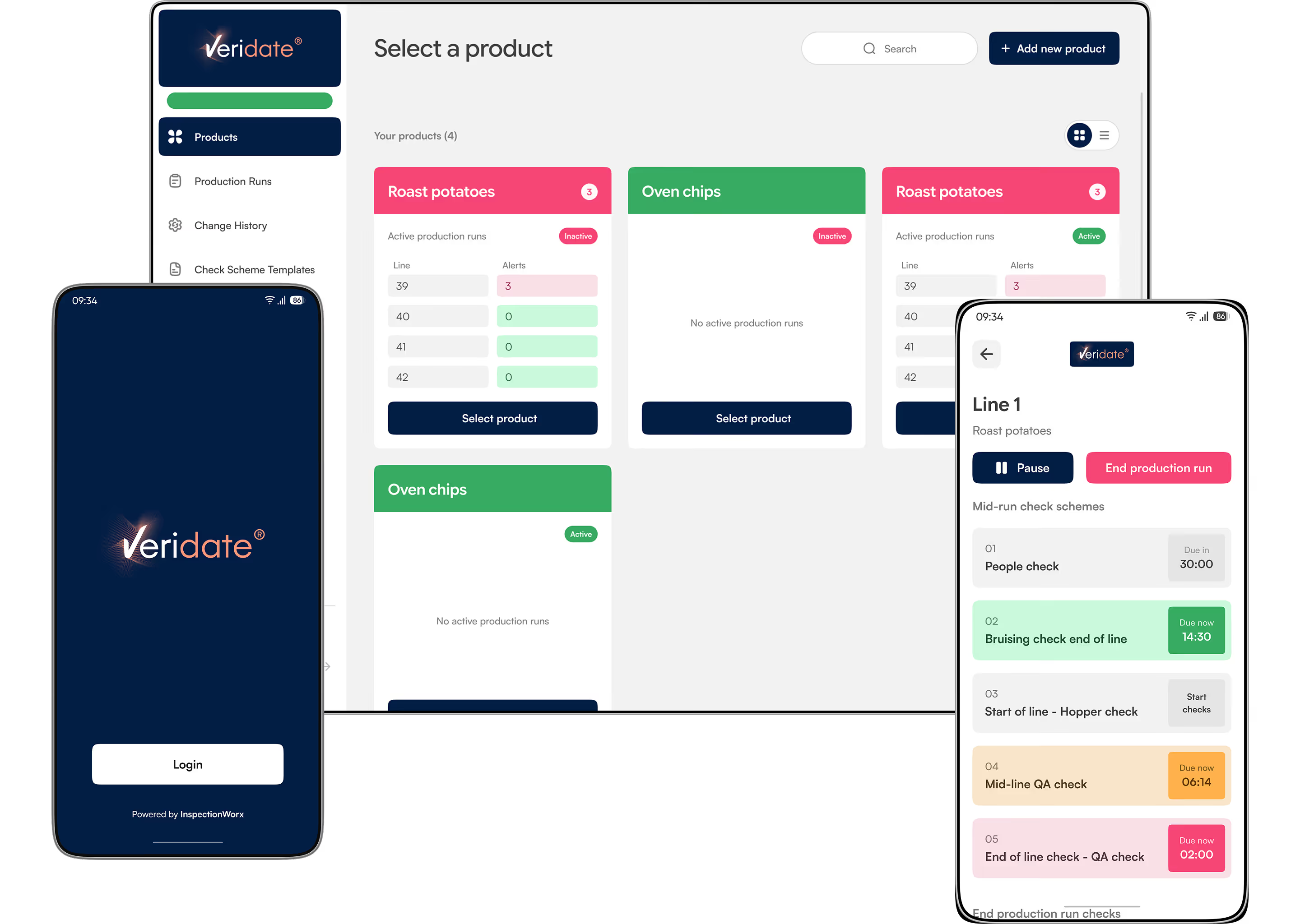
- The veridate.com portal is easily configured to tailor the digital system for an individual supplier
- The portal allows for the safe and secure editing of product details
- The operator can access the App and its features using a standard mobile phone